

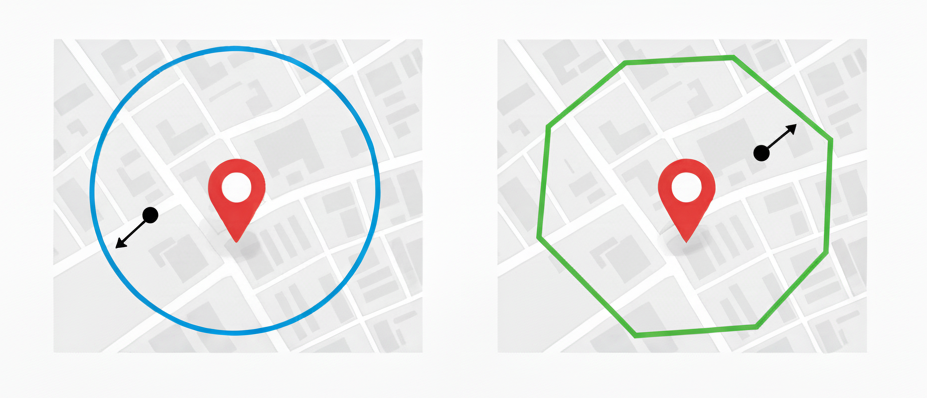
Radius
A circular geofence defined from a central point (latitude and longitude) or derived from an address.- The radius can be set between 0.001 km and 1 km (approximately 3 to 3,280 feet).
- Recommended default: 100 metres (≈328 feet).
- Ideal for simple, evenly shaped areas such as depots, yards, or customer sites.
Polygon
A polygonal geofence defined by an ordered array of coordinate pairs.- Must include at least three latitude and longitude pairs.
- The geofence boundary is automatically closed by linking the first and last coordinate pair.
- Suitable for irregularly shaped areas such as large warehouses, airfields, or industrial estates.
When importing via API, ensure the coordinates are listed in order (clockwise or counter-clockwise) to prevent crossing lines or invalid shapes.